Chapter 18. Detail and Written for
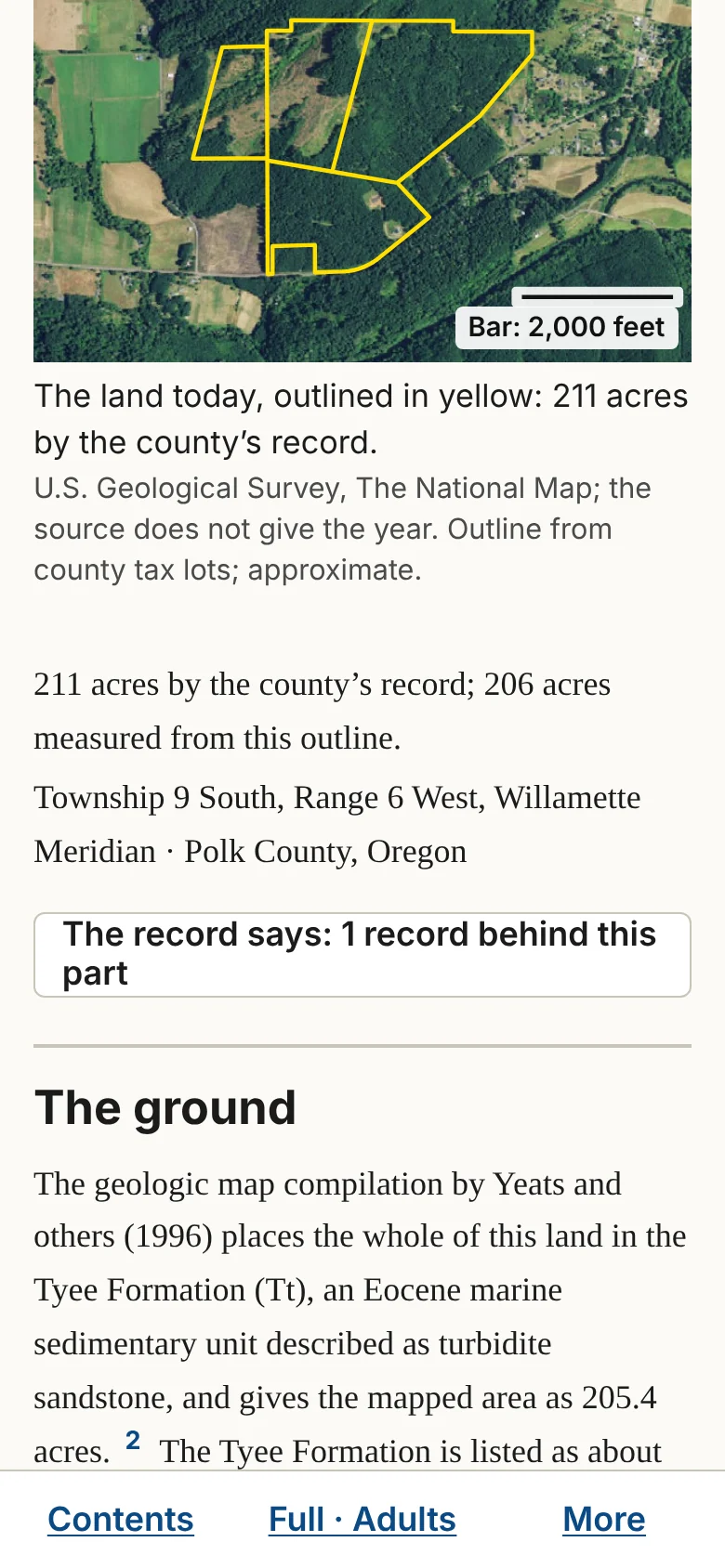
Part 3. Doing more. A report has two kinds of controls. Two of them change how the report reads, instantly, without searching for anything: Detail and Written for. One, Look deeper into this, sends the site out to search again. The rest help you keep, print, share and follow up on what you found.
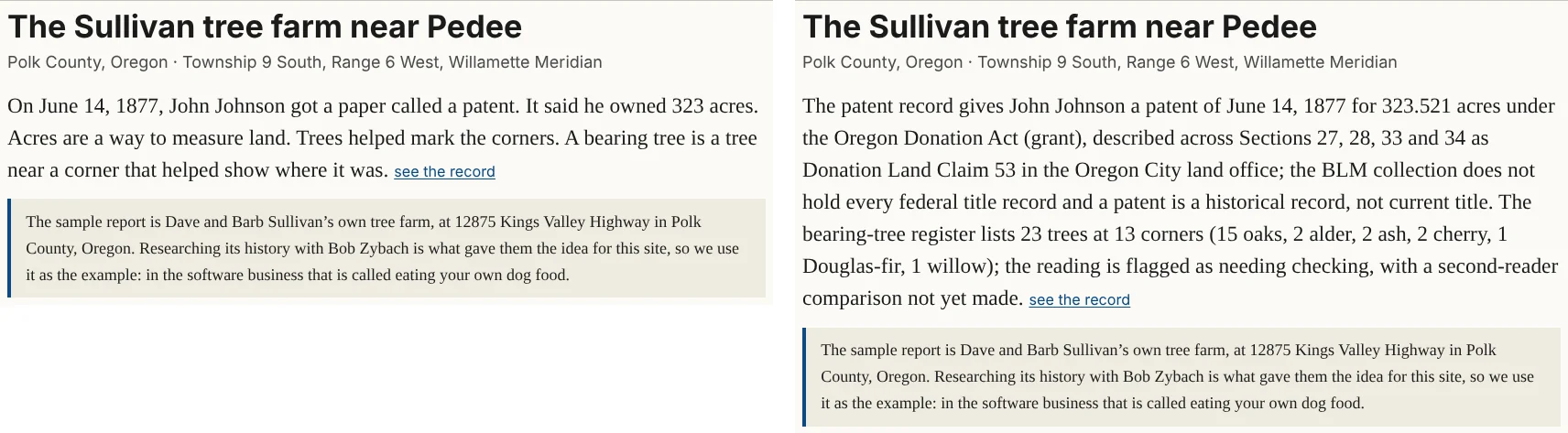
The first time you open a report, one line under the controls explains both: "Detail changes how much is shown. It never starts a new search. Written for: same facts, different words (Kids: to read with a child; Adults: plain English; Experts: full citations and the surveyors' own terms)."
Detail: Brief · Full · Deep
Detail changes how much of what the site has already found is shown. It is instant, never starts a search, and never changes the records.
- Brief shows the opening, "This land today," and each part's short telling. The appendix's blocks are closed. Use it for a quick read or a short printout.
- Full is where every report starts. It shows every paragraph, picture and table. The "The record says" blocks are closed.
- Deep shows everything in Full, with every "The record says" block open and the whole appendix open. Use it to see every record at once.
Written for: Kids · Adults · Experts
Written for changes the wording, not the facts. Kids is for reading with a child. Adults, where every report starts, is plain English. Experts adds full citations and the surveyors' own terms.
The site remembers both choices for each report in your browser, and Print uses them. On a phone, both sit behind the middle button of the bar at the bottom of the screen, which shows your current choices, such as "Full · Adults."