
Chapter 4. Your report arrives
Part 1. Making your report.
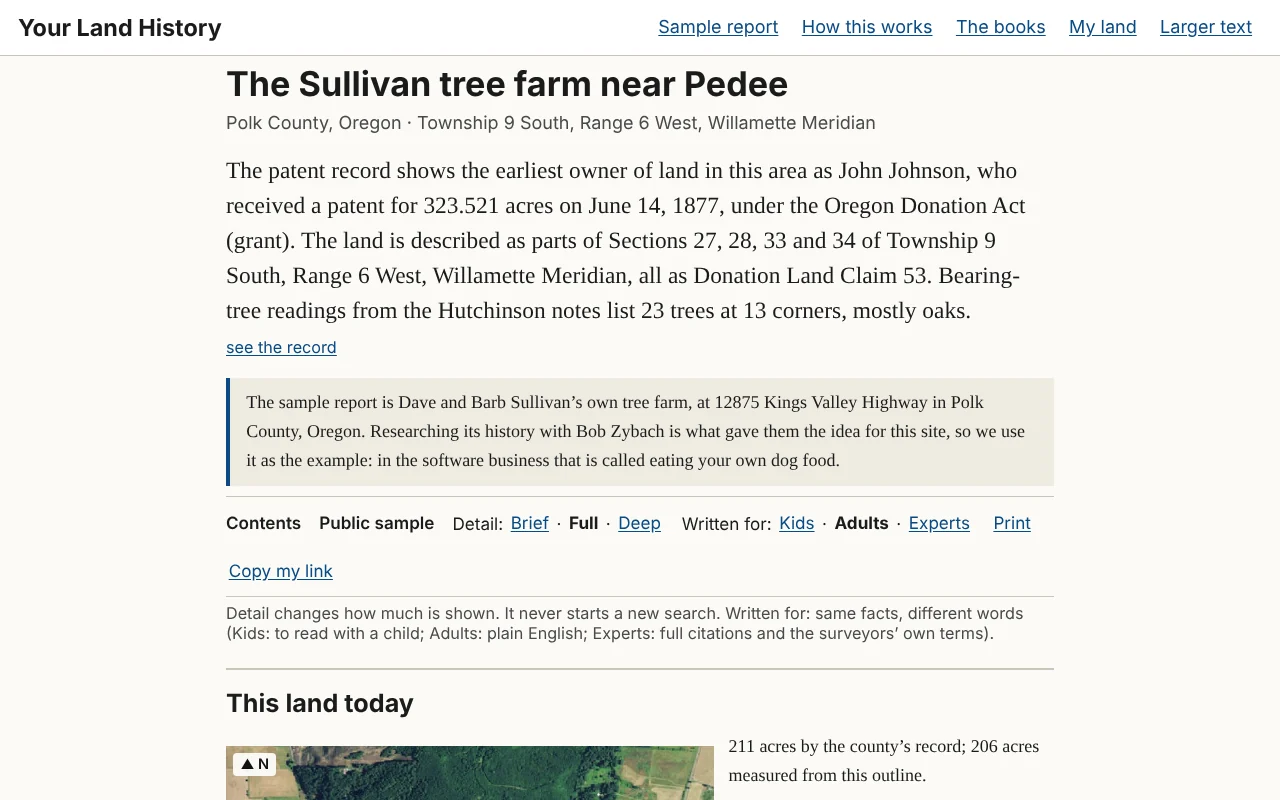
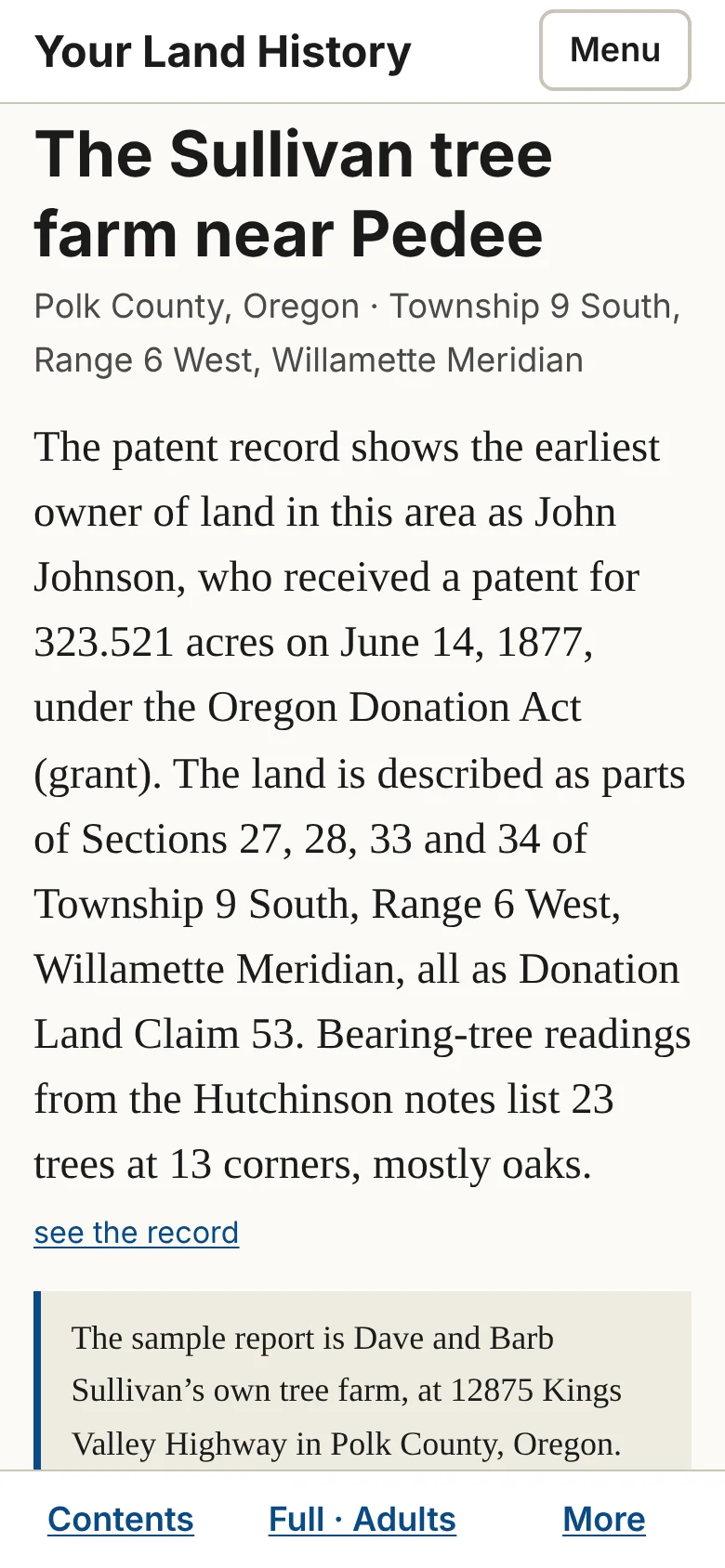
There is no announcement. The waiting line at the top disappears when the last part is written, the browser tab changes to the land's name, and the opening appears above "This land today": one to three sentences, in larger type, telling the most interesting thing the records hold about your land.
Five things to do first
- Read the opening. Every sentence in it is repeated further down, with its record.
- Keep the link. Touch Copy my link and email it to yourself. There are no accounts, so the link is how you get back from another phone or computer.
- Read "This land today," the land as it is now.
- Touch a small raised number after any sentence to open the record behind it (Chapter 6).
- Read "If you're hooked: what to do next," where to go for more, and what to bring.
The word "Private" near the top means only someone with the link can open the report. It is also listed under My land in this browser. The sample shows Public sample in the same place, because anyone may open it.