Chapter 20. Everything we can look for
Part 3. Doing more.
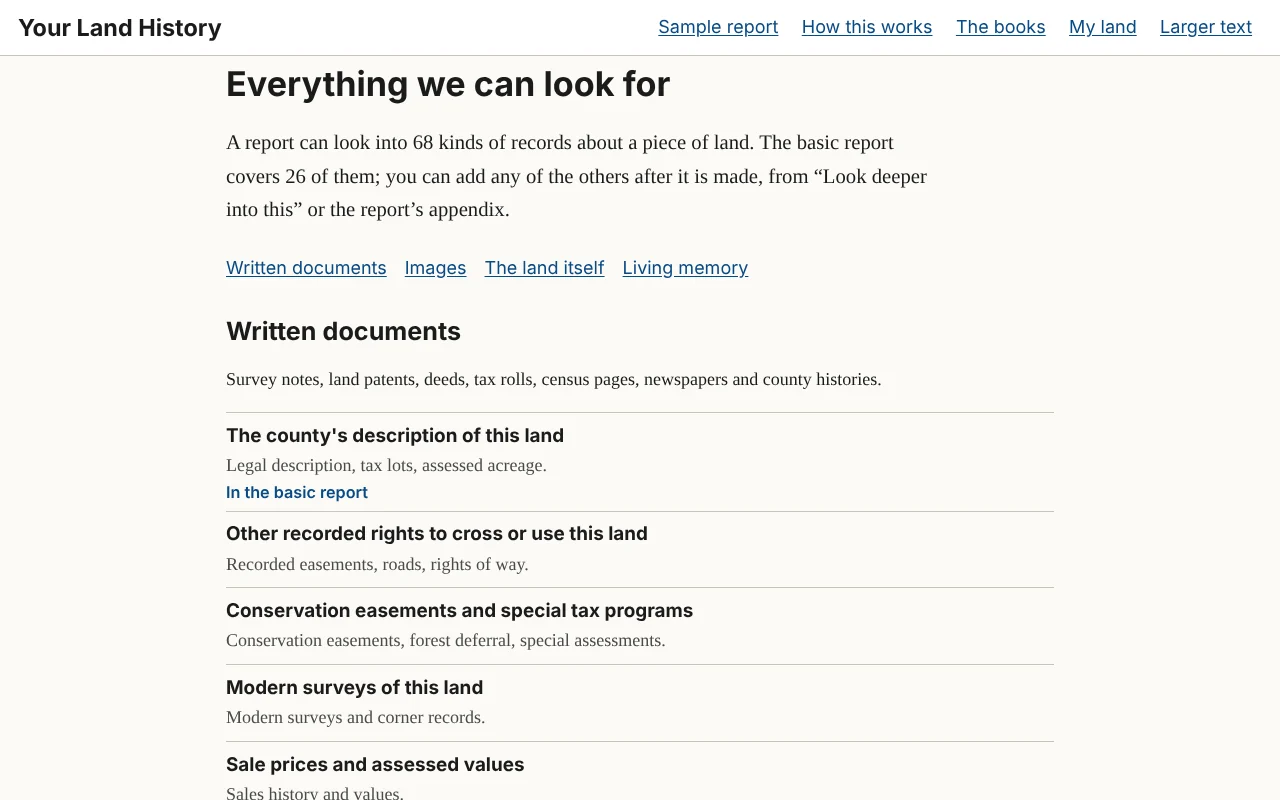
Before you can ask for more, you need to know what there is to ask for. Everything we can look for is the full menu. Its first line: "A report can look into 68 kinds of records about a piece of land. The basic report covers 26 of them; you can add any of the others after it is made, from "Look deeper into this" or the report's appendix."
Open it from Everything we can look for at the foot of every page; from See everything a report can look for ›, under the four lines on the front page and beside the search box on "Everything we looked at"; or from the Look deeper page of any report. Scroll through it like a table of contents. Topics in the basic report are marked "In the basic report."
The topics are grouped by the four kinds of evidence that Knowing Your Land is built on, with a link to each group at the top. Each topic is named in a few plain words and has a one-line note on what it tells you.
- Written documents: the surveyors' field notes, land patents, deeds and tax records, census pages, newspapers, and the names of places.
- Images: the survey maps called plats, topographic maps, old air photos and satellite images.
- The land itself: rock, soil and the shape of the land, water and weather, what grows there, and fire.
- Living memory: what people who know the place remember, and the papers and photographs families keep. Only a person can gather these, so the site lists where to start.
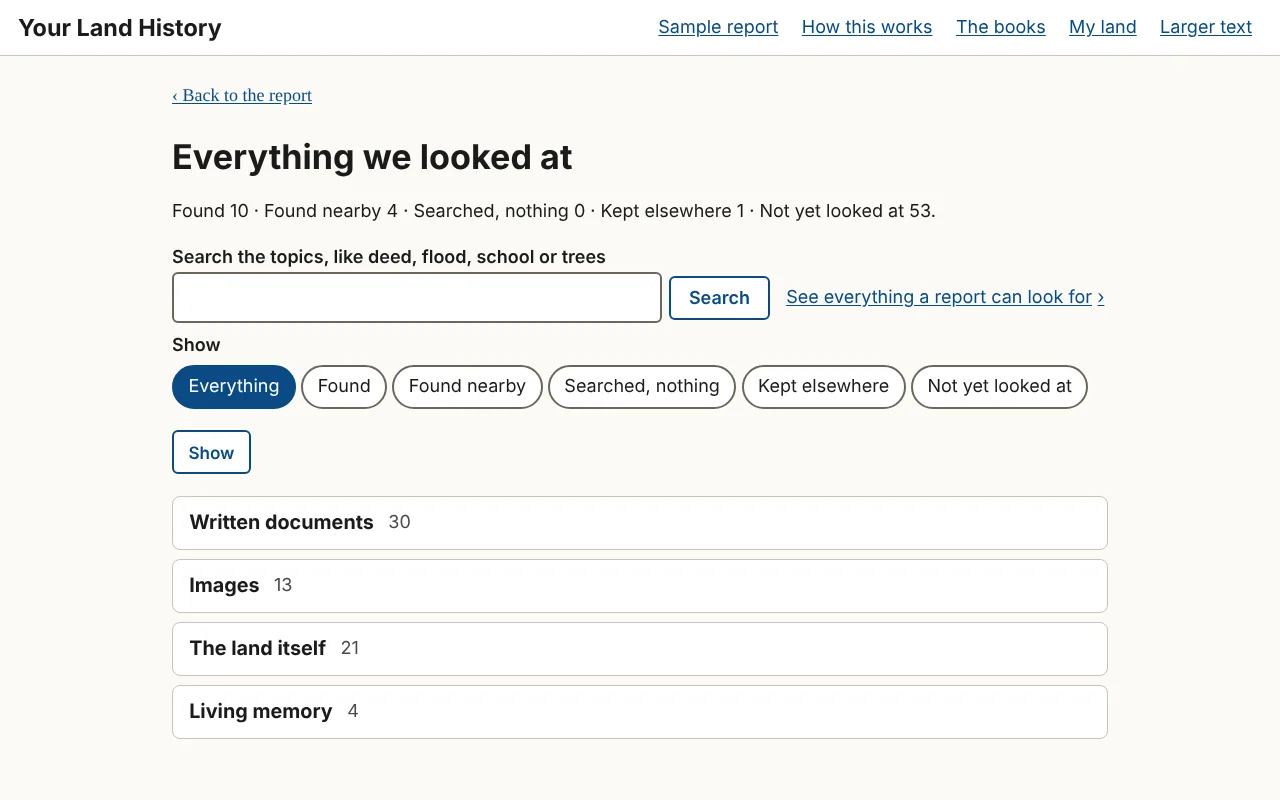
Everything we looked at
Everything we can look for is the menu for any land. Everything we looked at, reached from the appendix, is the record for one report: the appendix's table on a page of its own, with a search box ("Search the topics, like deed, flood, school or trees") and filters: Everything, Found, Found nearby, Searched, nothing, Kept elsewhere and Not yet looked at. Its rows are grouped by the same four kinds of evidence. On your own reports, a row not yet looked at has Look into this, and a row already searched has Look deeper into this.